
Cover
ZXP STUDIO AI SOLUTIONS & AUTOMATION CONNECTED BUSINESS SYSTEMS From attention to action. zxp.ca
ZXP STUDIO AI SOLUTIONS & AUTOMATION CONNECTED BUSINESS SYSTEMS From attention to action. zxp.ca
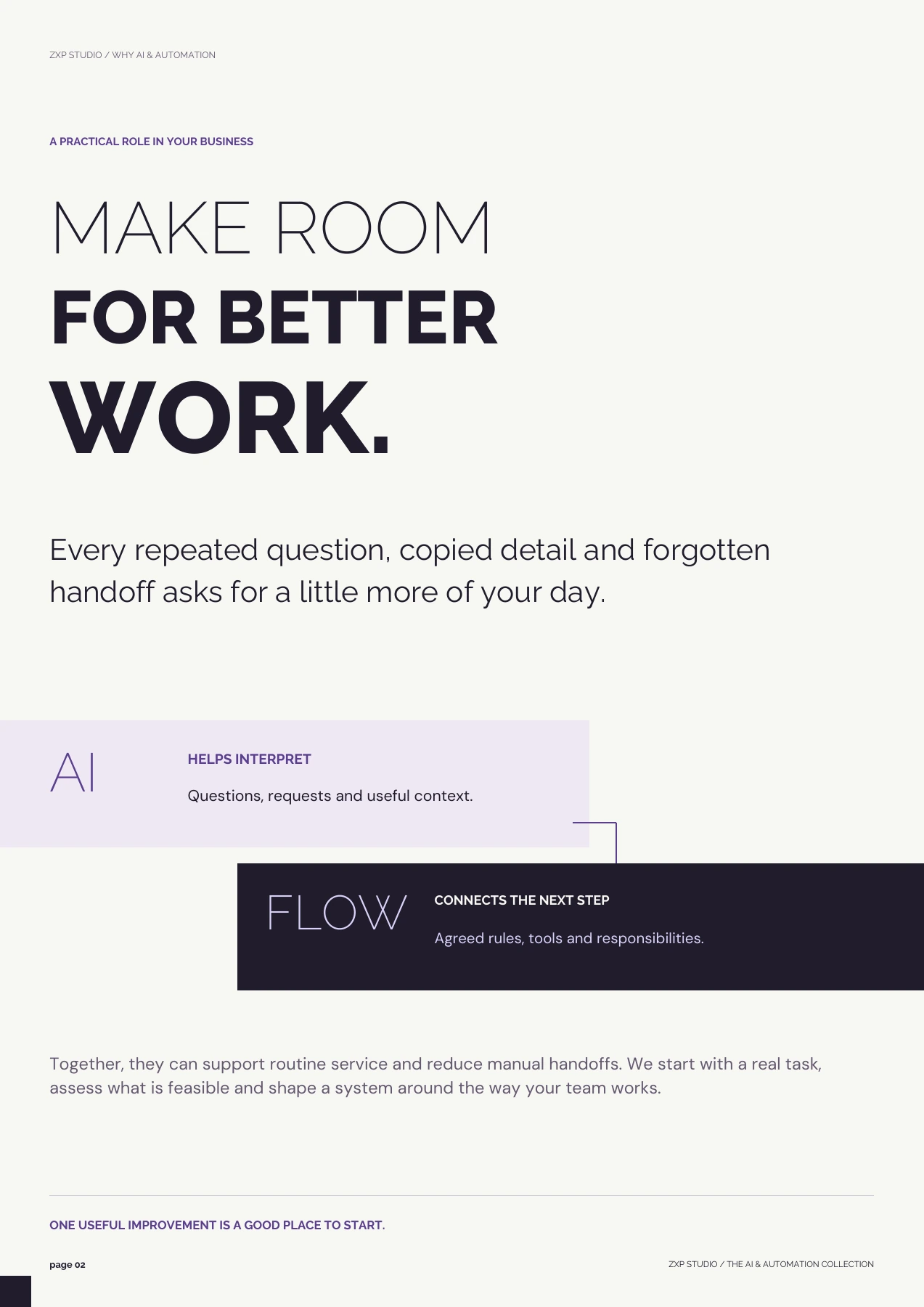
ZXP STUDIO / WHY AI & AUTOMATION A PRACTICAL ROLE IN YOUR BUSINESS MAKE ROOM FOR BETTER WORK. Every repeated question, copied detail and forgotten handoff asks for a little more of your day. AI HELPS INTERPRET Questions, requests and useful context. FLOW CONNECTS THE NEXT STEP Agreed rules, tools and responsibilities. Together, they can support routine service and reduce manual handoffs. We start with a real task, assess what is feasible and shape a system around the way your team works. ONE USEFUL IMPROVEMENT IS A GOOD PLACE TO START. page 02 ZXP STUDIO / THE AI & AUTOMATION COLLECTION
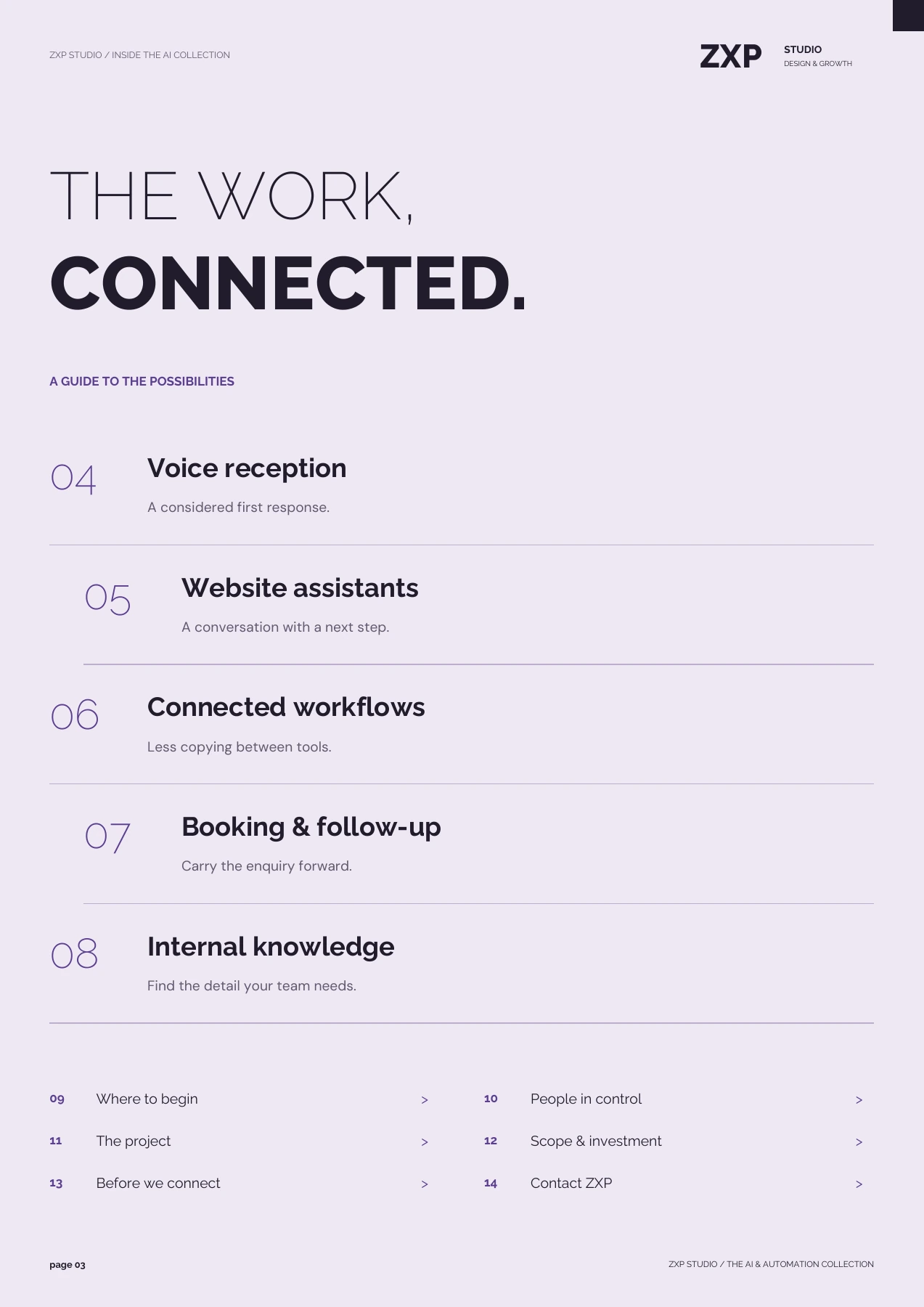
ZXP STUDIO / INSIDE THE AI COLLECTION ZXP STUDIO DESIGN & GROWTH THE WORK, CONNECTED. A GUIDE TO THE POSSIBILITIES 04 Voice reception A considered first response. 05 Website assistants A conversation with a next step. 06 Connected workflows Less copying between tools. 07 Booking & follow-up Carry the enquiry forward. 08 Internal knowledge Find the detail your team needs. 09 Where to begin > 10 People in control > 11 The project > 12 Scope & investment > 13 Before we connect > 14 Contact ZXP > page 03 ZXP STUDIO / THE AI & AUTOMATION COLLECTION
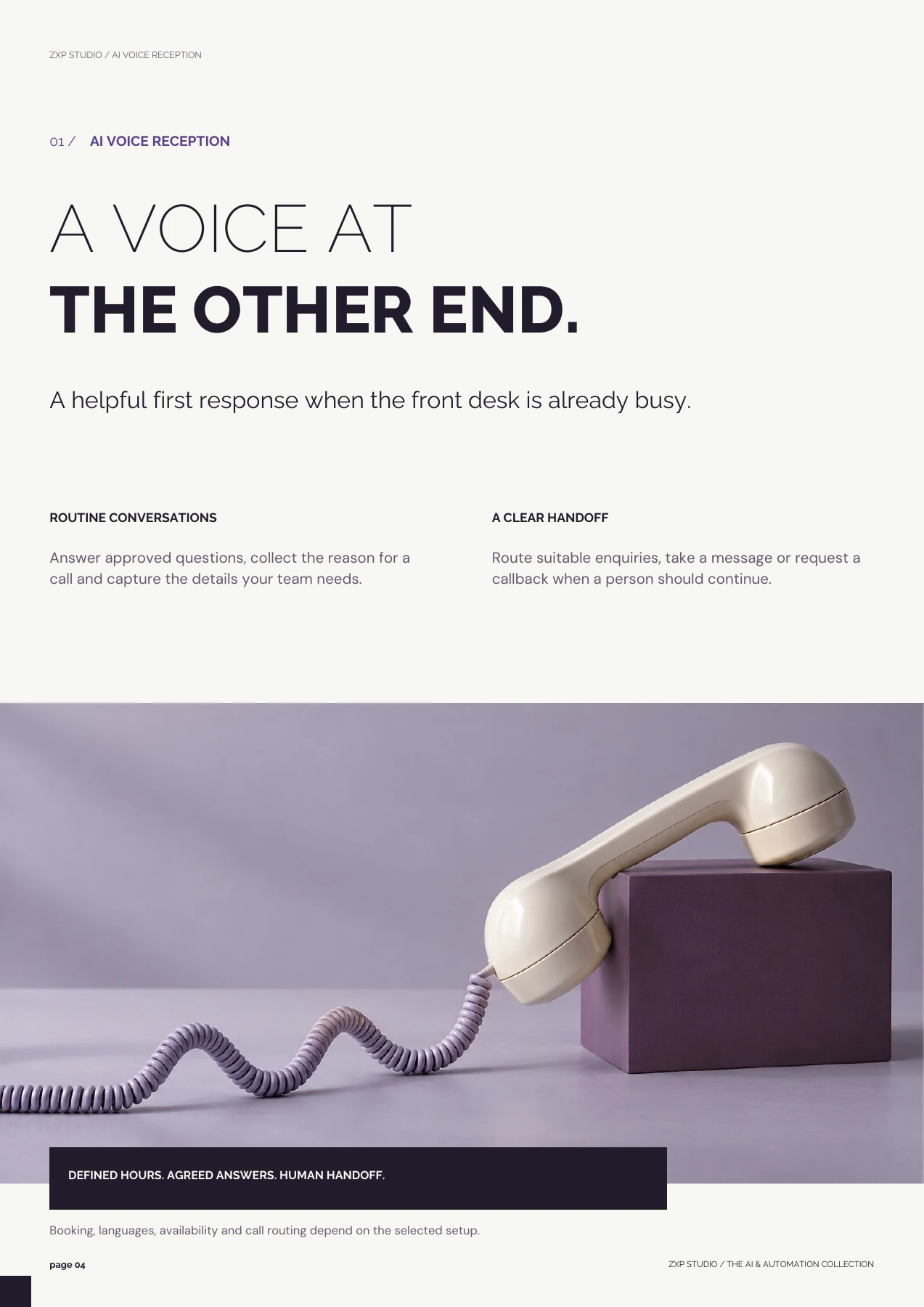
ZXP STUDIO / AI VOICE RECEPTION 01 / AI VOICE RECEPTION A VOICE AT THE OTHER END. A helpful first response when the front desk is already busy. ROUTINE CONVERSATIONS Answer approved questions, collect the reason for a call and capture the details your team needs. A CLEAR HANDOFF Route suitable enquiries, take a message or request a callback when a person should continue. DEFINED HOURS. AGREED ANSWERS. HUMAN HANDOFF. Booking, languages, availability and call routing depend on the selected setup. page 04 ZXP STUDIO / THE AI & AUTOMATION COLLECTION
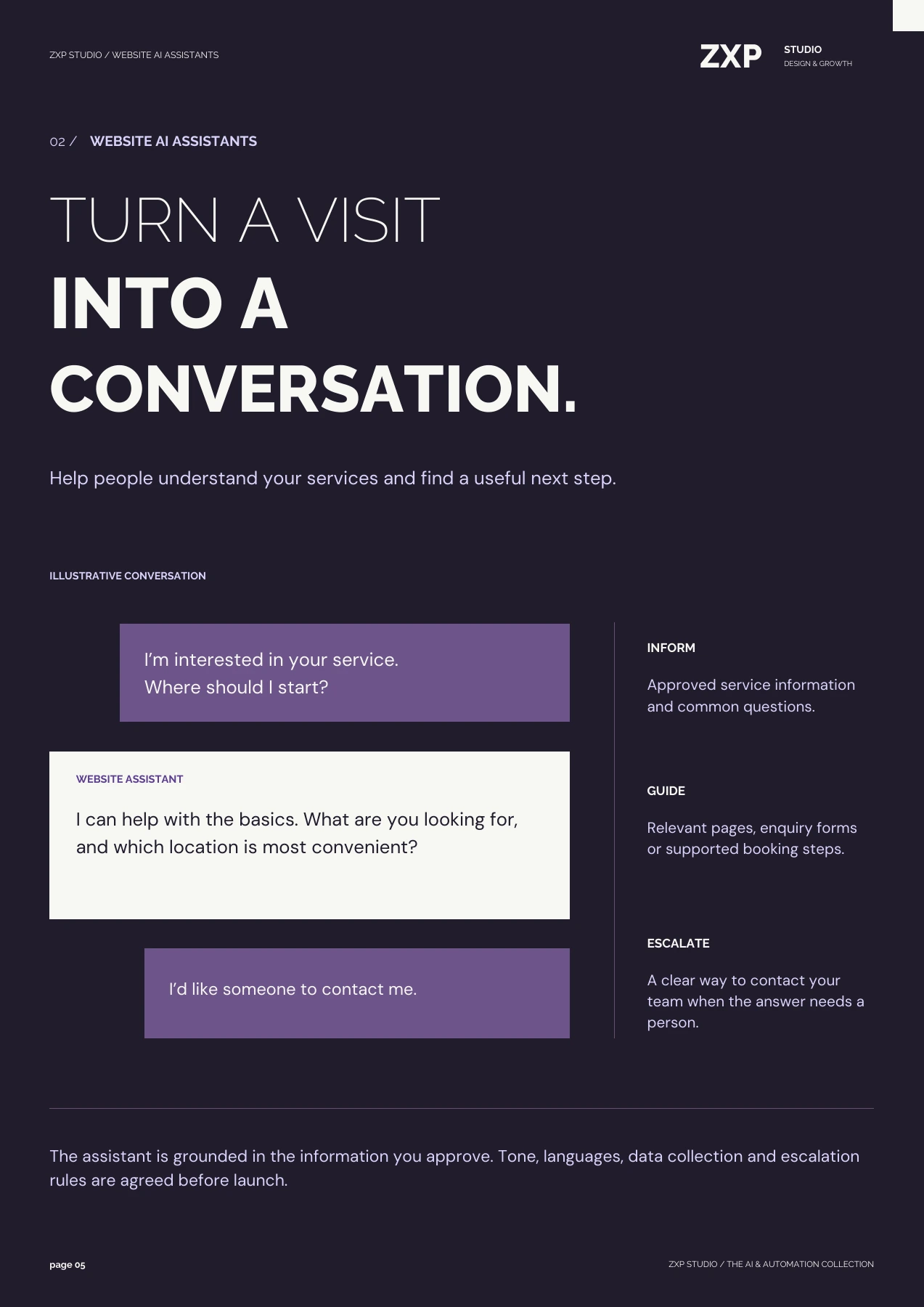
ZXP STUDIO / WEBSITE AI ASSISTANTS ZXP STUDIO DESIGN & GROWTH 02 / WEBSITE AI ASSISTANTS TURN A VISIT INTO A CONVERSATION. Help people understand your services and find a useful next step. ILLUSTRATIVE CONVERSATION I’m interested in your service. Where should I start? WEBSITE ASSISTANT I can help with the basics. What are you looking for, and which location is most convenient? I’d like someone to contact me. INFORM Approved service information and common questions. GUIDE Relevant pages, enquiry forms or supported booking steps. ESCALATE A clear way to contact your team when the answer needs a person. The assistant is grounded in the information you approve. Tone, languages, data collection and escalation rules are agreed before launch. page 05 ZXP STUDIO / THE AI & AUTOMATION COLLECTION
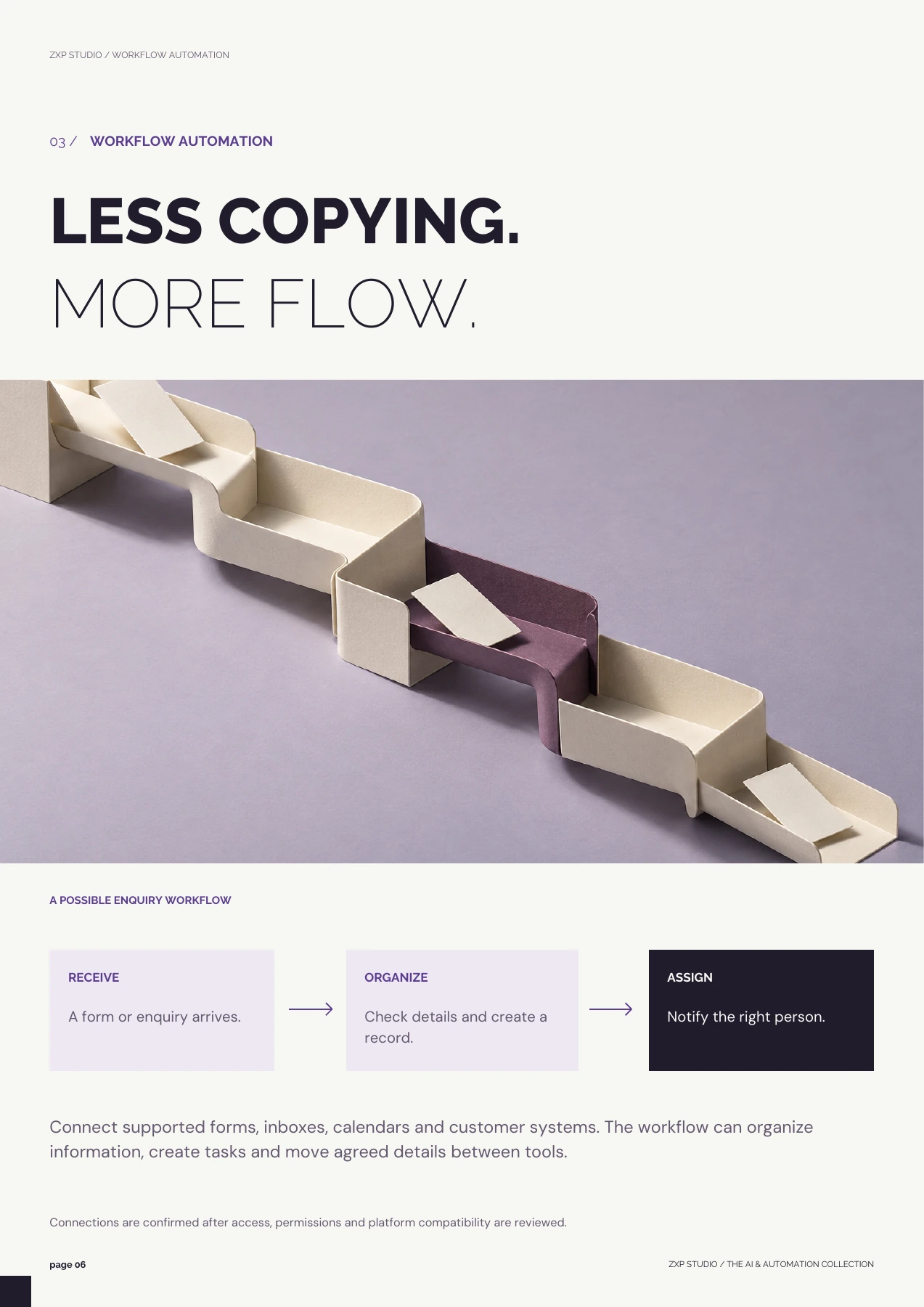
ZXP STUDIO / WORKFLOW AUTOMATION 03 / WORKFLOW AUTOMATION LESS COPYING. MORE FLOW. A POSSIBLE ENQUIRY WORKFLOW RECEIVE A form or enquiry arrives. ORGANIZE Check details and create a record. ASSIGN Notify the right person. Connect supported forms, inboxes, calendars and customer systems. The workflow can organize information, create tasks and move agreed details between tools. Connections are confirmed after access, permissions and platform compatibility are reviewed. page 06 ZXP STUDIO / THE AI & AUTOMATION COLLECTION
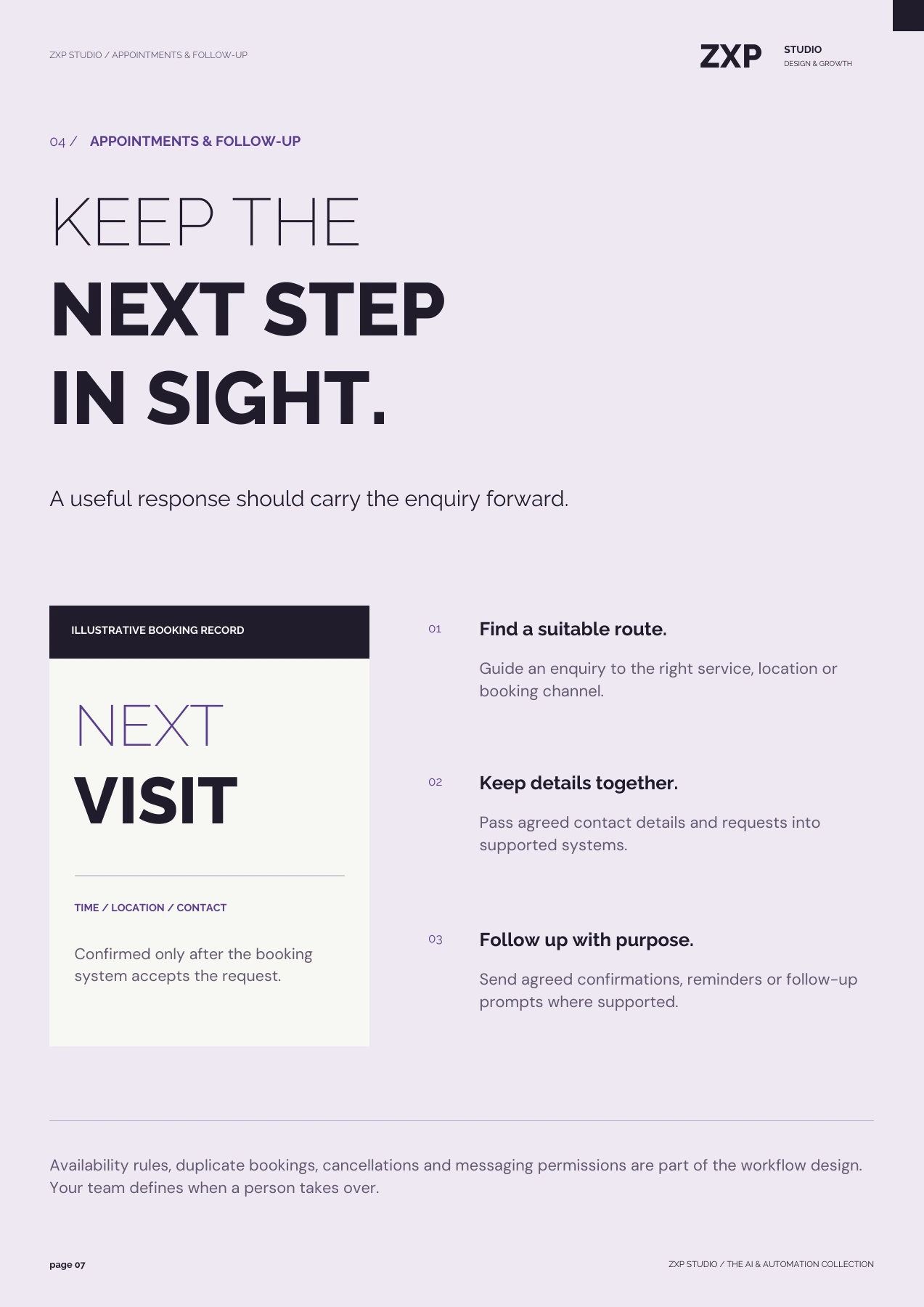
ZXP STUDIO / APPOINTMENTS & FOLLOW-UP ZXP STUDIO DESIGN & GROWTH 04 / APPOINTMENTS & FOLLOW-UP KEEP THE NEXT STEP IN SIGHT. A useful response should carry the enquiry forward. ILLUSTRATIVE BOOKING RECORD NEXT VISIT TIME / LOCATION / CONTACT Confirmed only after the booking system accepts the request. 01 Find a suitable route. Guide an enquiry to the right service, location or booking channel. 02 Keep details together. Pass agreed contact details and requests into supported systems. 03 Follow up with purpose. Send agreed confirmations, reminders or follow-up prompts where supported. Availability rules, duplicate bookings, cancellations and messaging permissions are part of the workflow design. Your team defines when a person takes over. page 07 ZXP STUDIO / THE AI & AUTOMATION COLLECTION
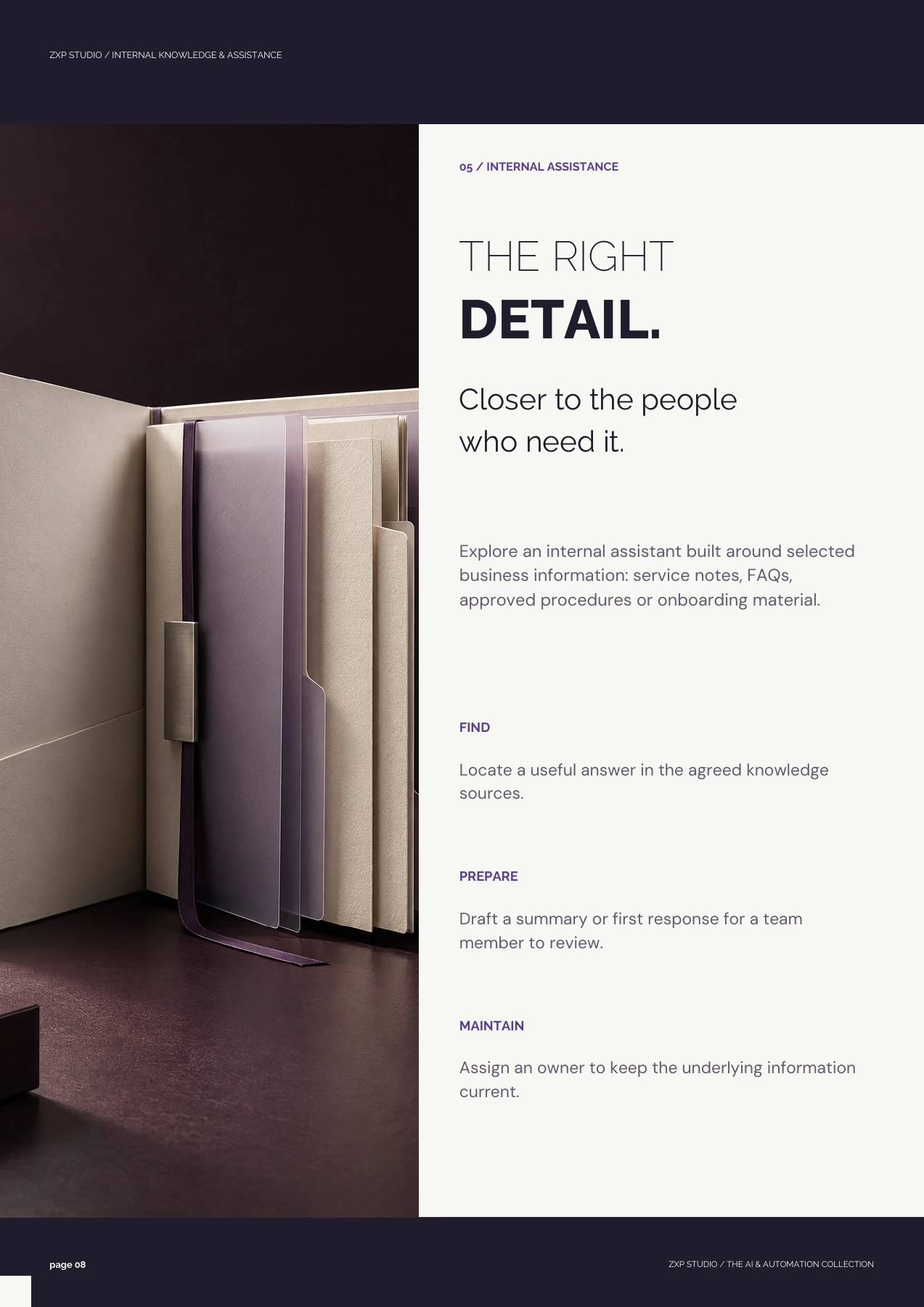
ZXP STUDIO / INTERNAL KNOWLEDGE & ASSISTANCE 05 / INTERNAL ASSISTANCE THE RIGHT DETAIL. Closer to the people who need it. Explore an internal assistant built around selected business information: service notes, FAQs, approved procedures or onboarding material. FIND Locate a useful answer in the agreed knowledge sources. PREPARE Draft a summary or first response for a team member to review. MAINTAIN Assign an owner to keep the underlying information current. page 08 ZXP STUDIO / THE AI & AUTOMATION COLLECTION
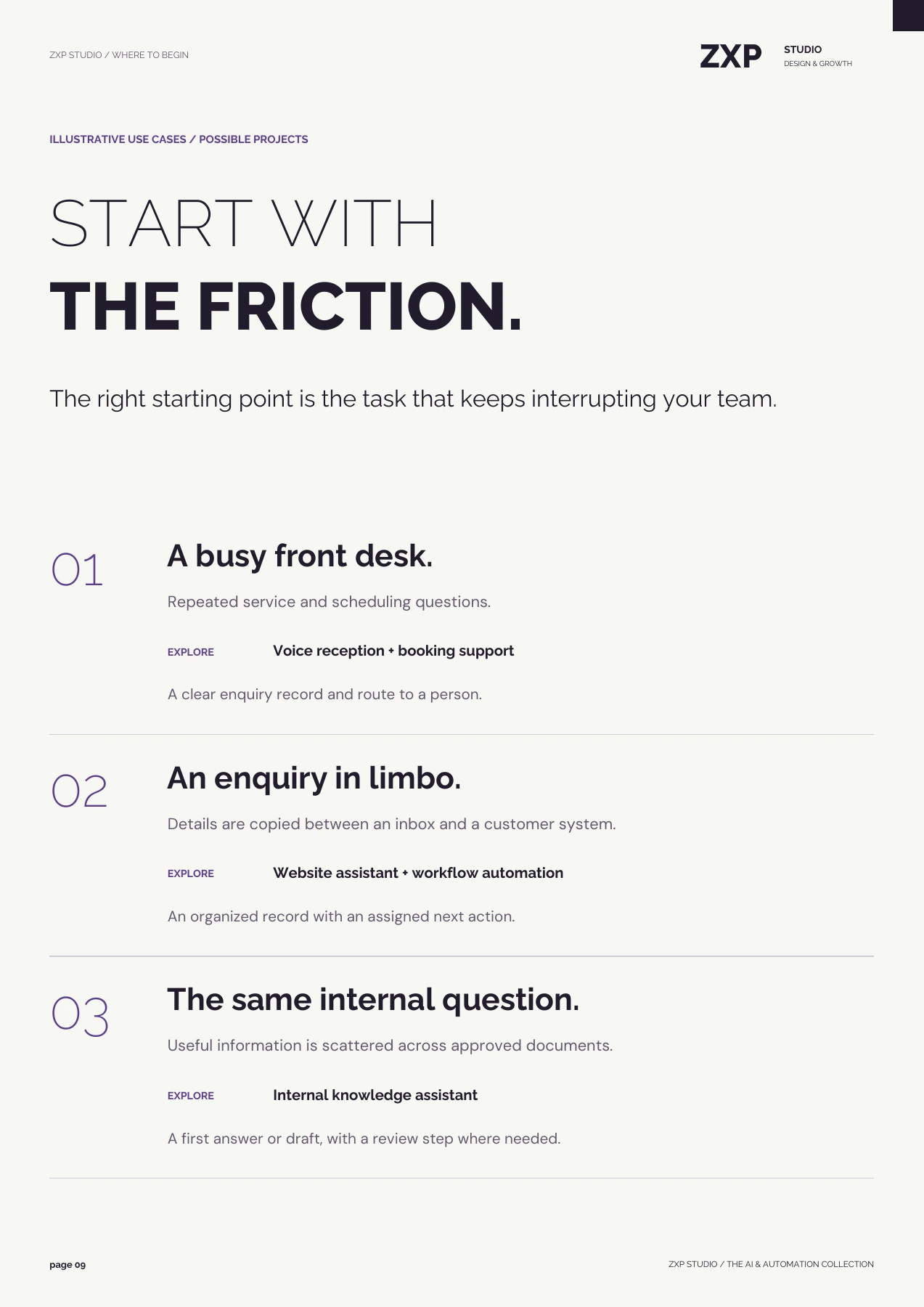
ZXP STUDIO / WHERE TO BEGIN ZXP STUDIO DESIGN & GROWTH ILLUSTRATIVE USE CASES / POSSIBLE PROJECTS START WITH THE FRICTION. The right starting point is the task that keeps interrupting your team. 01 A busy front desk. Repeated service and scheduling questions. EXPLORE Voice reception + booking support A clear enquiry record and route to a person. 02 An enquiry in limbo. Details are copied between an inbox and a customer system. EXPLORE Website assistant + workflow automation An organized record with an assigned next action. 03 The same internal question. Useful information is scattered across approved documents. EXPLORE Internal knowledge assistant A first answer or draft, with a review step where needed. page 09 ZXP STUDIO / THE AI & AUTOMATION COLLECTION
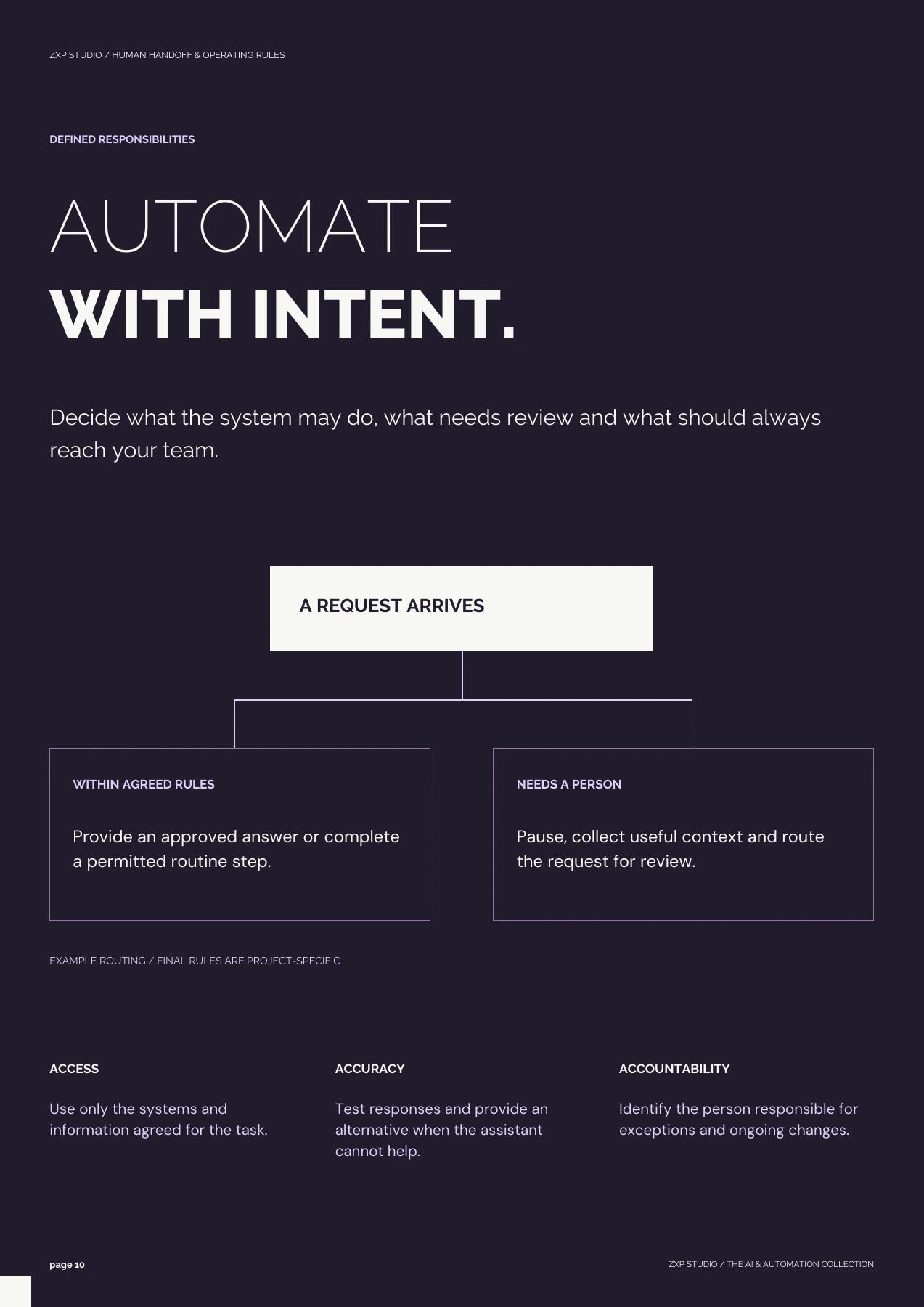
ZXP STUDIO / HUMAN HANDOFF & OPERATING RULES DEFINED RESPONSIBILITIES AUTOMATE WITH INTENT. Decide what the system may do, what needs review and what should always reach your team. A REQUEST ARRIVES WITHIN AGREED RULES Provide an approved answer or complete a permitted routine step. NEEDS A PERSON Pause, collect useful context and route the request for review. EXAMPLE ROUTING / FINAL RULES ARE PROJECT-SPECIFIC ACCESS Use only the systems and information agreed for the task. ACCURACY Test responses and provide an alternative when the assistant cannot help. ACCOUNTABILITY Identify the person responsible for exceptions and ongoing changes. page 10 ZXP STUDIO / THE AI & AUTOMATION COLLECTION
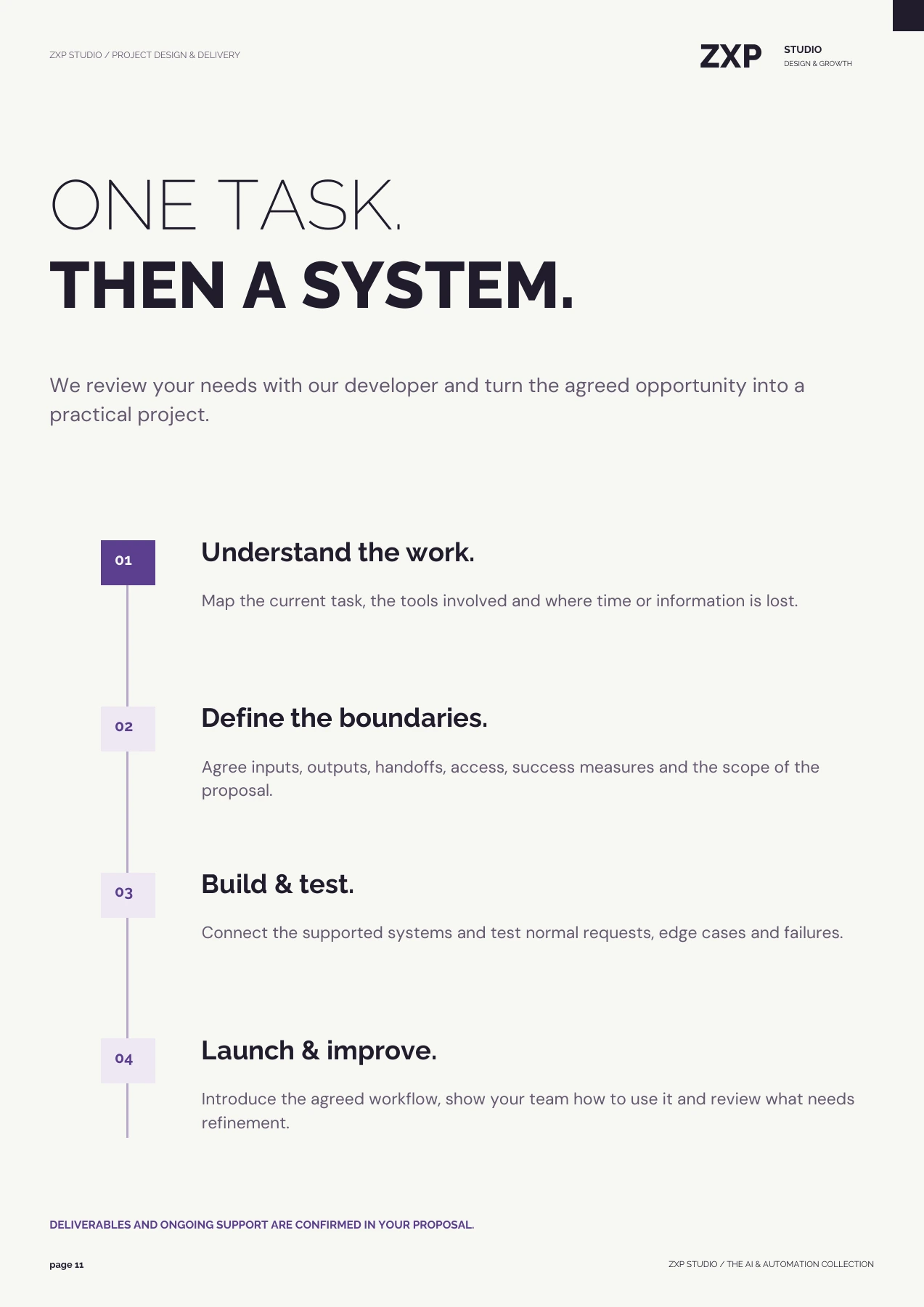
ZXP STUDIO / PROJECT DESIGN & DELIVERY ZXP STUDIO DESIGN & GROWTH ONE TASK. THEN A SYSTEM. We review your needs with our developer and turn the agreed opportunity into a practical project. 01 Understand the work. Map the current task, the tools involved and where time or information is lost. 02 Define the boundaries. Agree inputs, outputs, handoffs, access, success measures and the scope of the proposal. 03 Build & test. Connect the supported systems and test normal requests, edge cases and failures. 04 Launch & improve. Introduce the agreed workflow, show your team how to use it and review what needs refinement. DELIVERABLES AND ONGOING SUPPORT ARE CONFIRMED IN YOUR PROPOSAL. page 11 ZXP STUDIO / THE AI & AUTOMATION COLLECTION
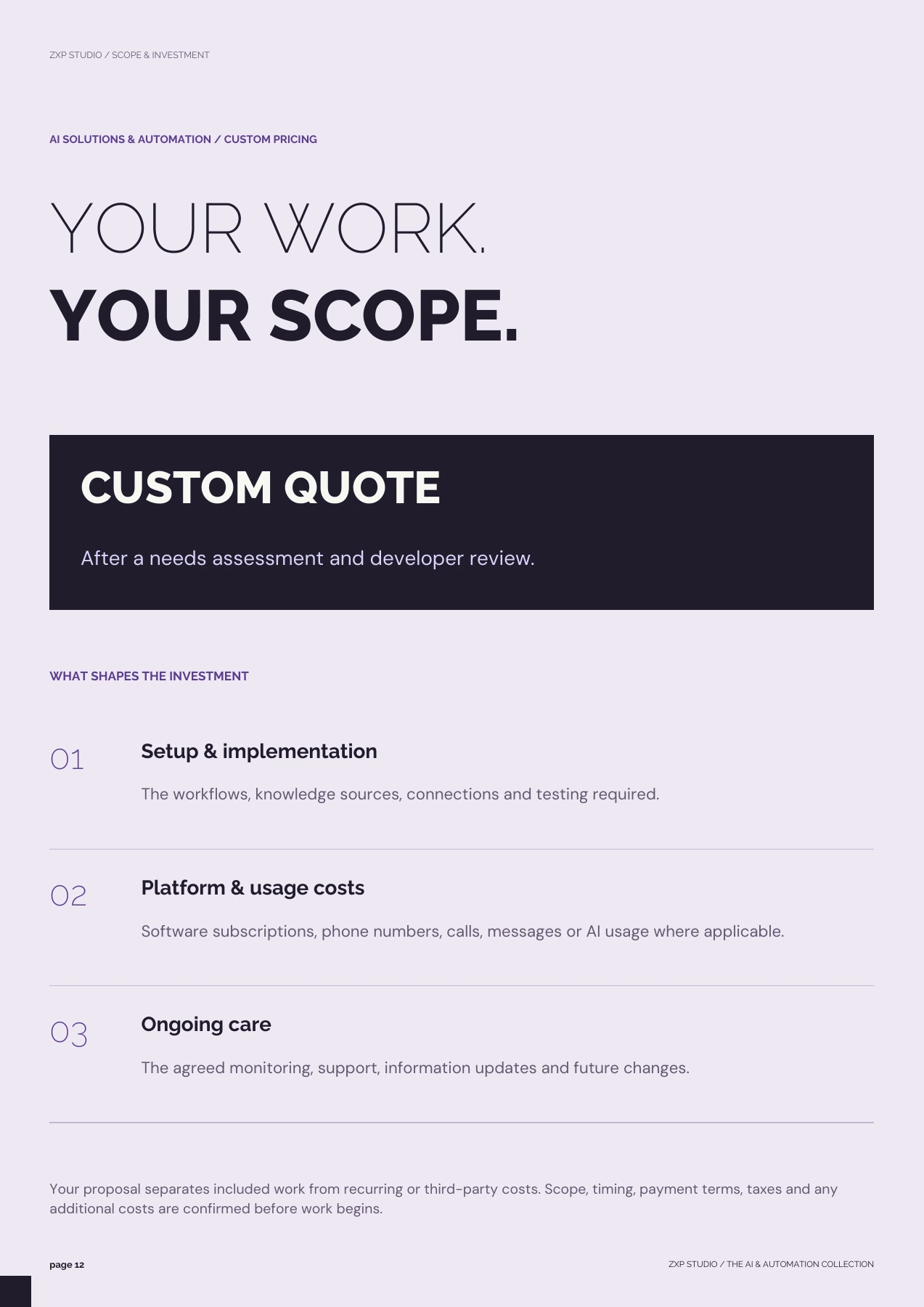
ZXP STUDIO / SCOPE & INVESTMENT AI SOLUTIONS & AUTOMATION / CUSTOM PRICING YOUR WORK. YOUR SCOPE. CUSTOM QUOTE After a needs assessment and developer review. WHAT SHAPES THE INVESTMENT 01 Setup & implementation The workflows, knowledge sources, connections and testing required. 02 Platform & usage costs Software subscriptions, phone numbers, calls, messages or AI usage where applicable. 03 Ongoing care The agreed monitoring, support, information updates and future changes. Your proposal separates included work from recurring or third-party costs. Scope, timing, payment terms, taxes and any additional costs are confirmed before work begins. page 12 ZXP STUDIO / THE AI & AUTOMATION COLLECTION
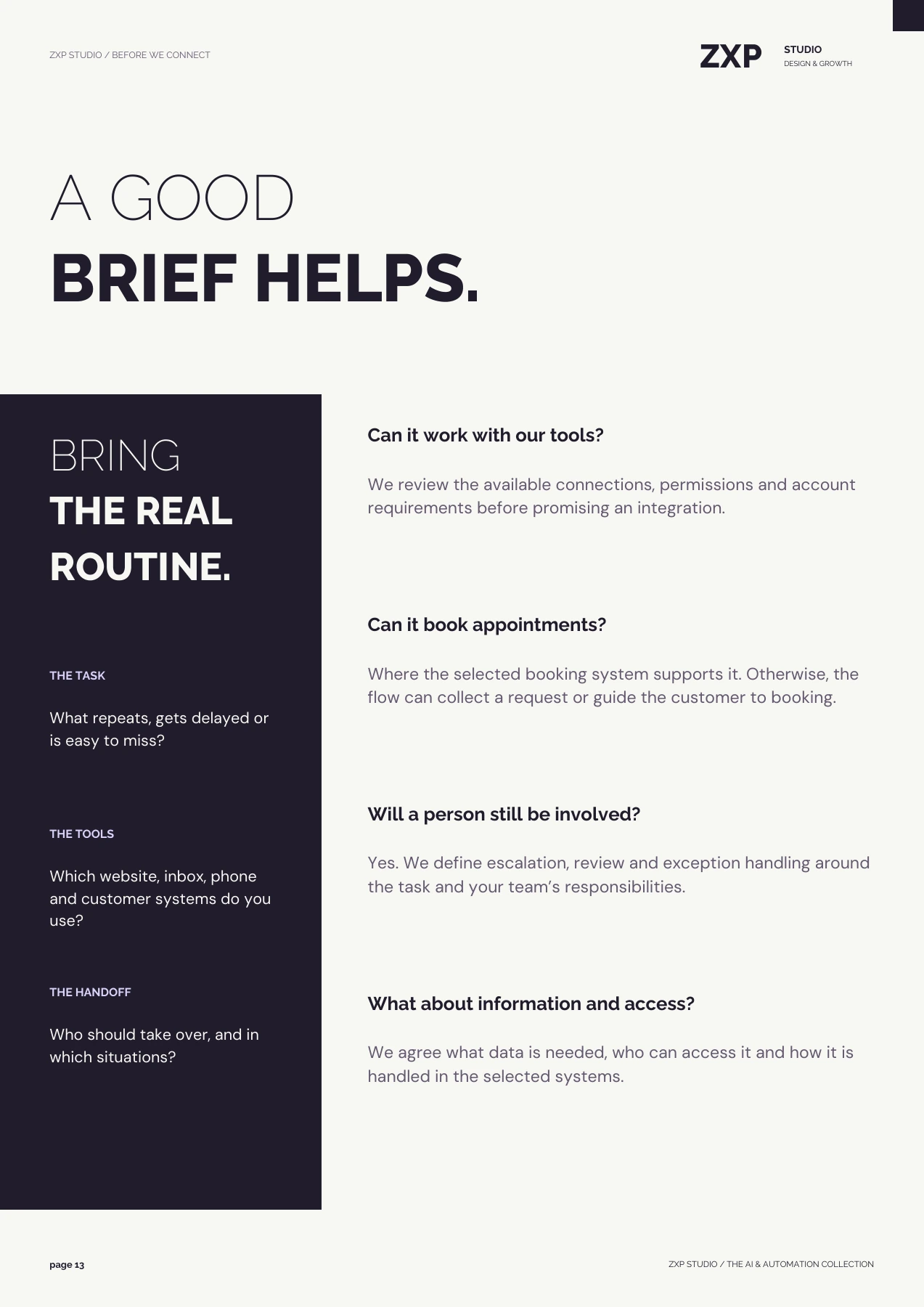
ZXP STUDIO / BEFORE WE CONNECT ZXP STUDIO DESIGN & GROWTH A GOOD BRIEF HELPS. BRING THE REAL ROUTINE. THE TASK What repeats, gets delayed or is easy to miss? THE TOOLS Which website, inbox, phone and customer systems do you use? THE HANDOFF Who should take over, and in which situations? Can it work with our tools? We review the available connections, permissions and account requirements before promising an integration. Can it book appointments? Where the selected booking system supports it. Otherwise, the flow can collect a request or guide the customer to booking. Will a person still be involved? Yes. We define escalation, review and exception handling around the task and your team’s responsibilities. What about information and access? We agree what data is needed, who can access it and how it is handled in the selected systems. page 13 ZXP STUDIO / THE AI & AUTOMATION COLLECTION
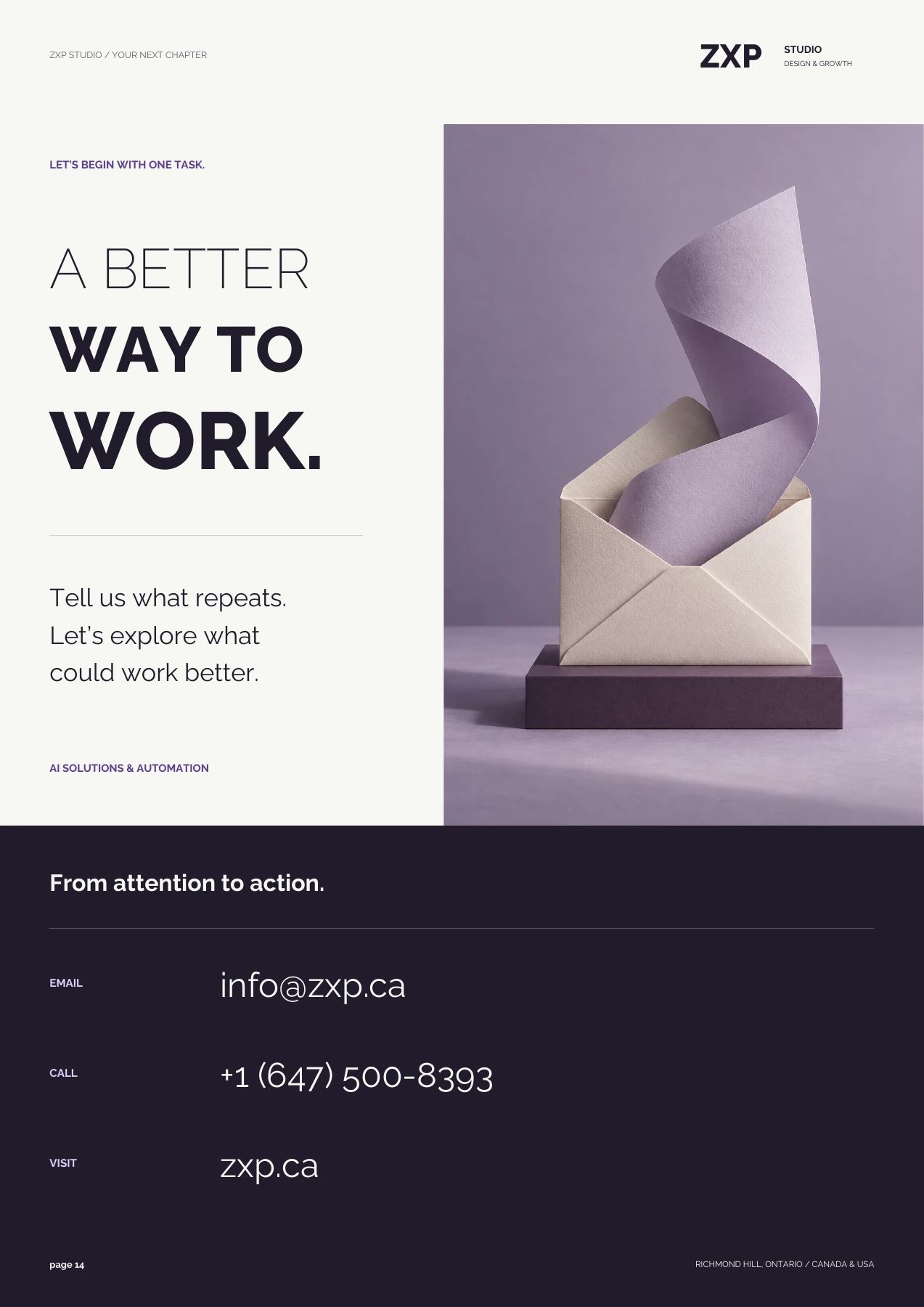
ZXP STUDIO / YOUR NEXT CHAPTER ZXP STUDIO DESIGN & GROWTH LET’S BEGIN WITH ONE TASK. A BETTER WAY TO WORK. Tell us what repeats. Let’s explore what could work better. AI SOLUTIONS & AUTOMATION From attention to action. EMAIL info@zxp.ca CALL +1 (647) 500-8393 VISIT zxp.ca page 14 RICHMOND HILL, ONTARIO / CANADA & USA